


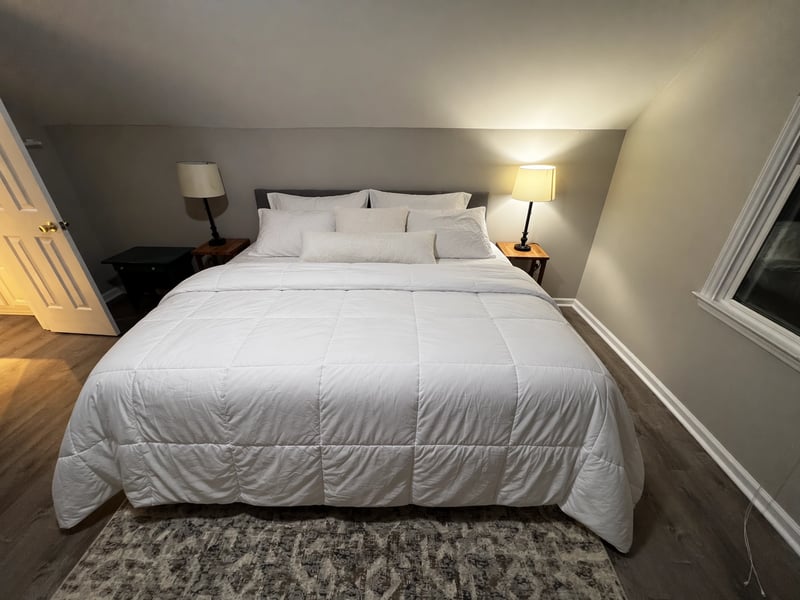
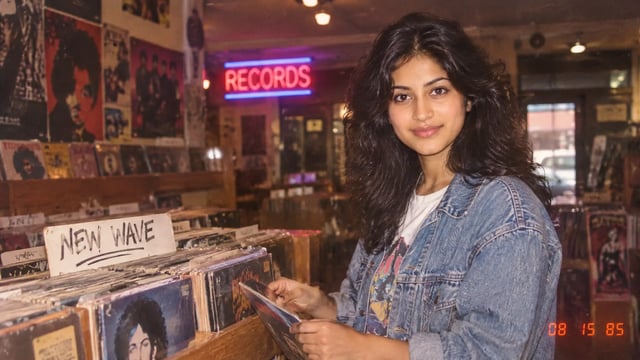
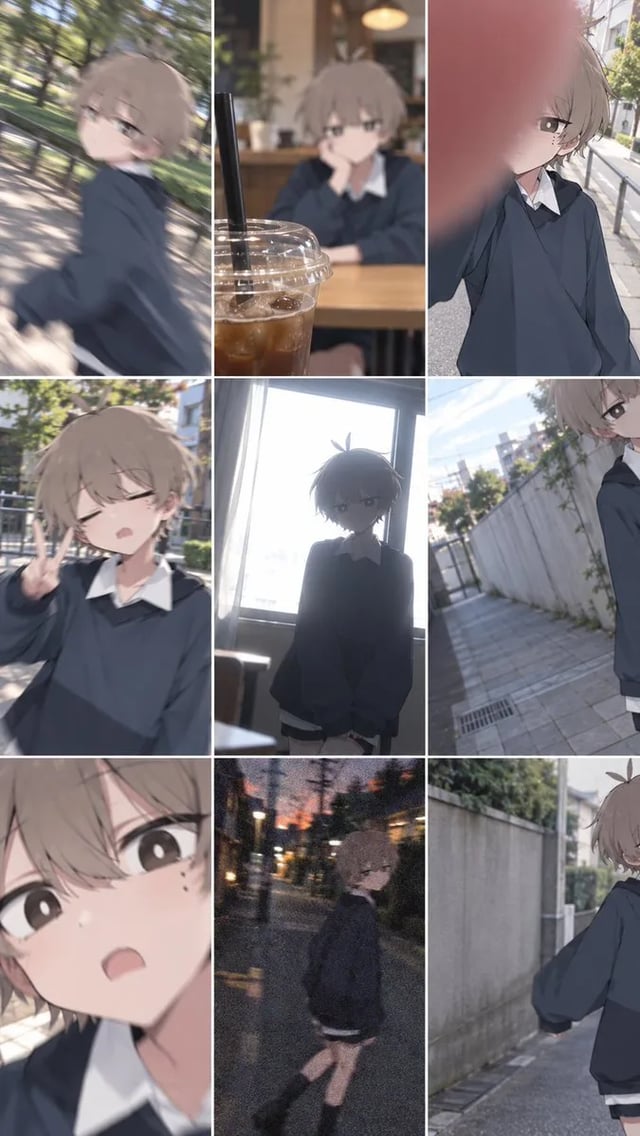
Shop owners: the price on the tag
Write the number you will actually charge. GPT Images 2.5 puts it on the product still so the listing matches the shelf.
Put the poster headline in the prompt. GPT Images 2.5 Flare is the default in the box — 1K to try, 2K or 4K to keep.
Production preview
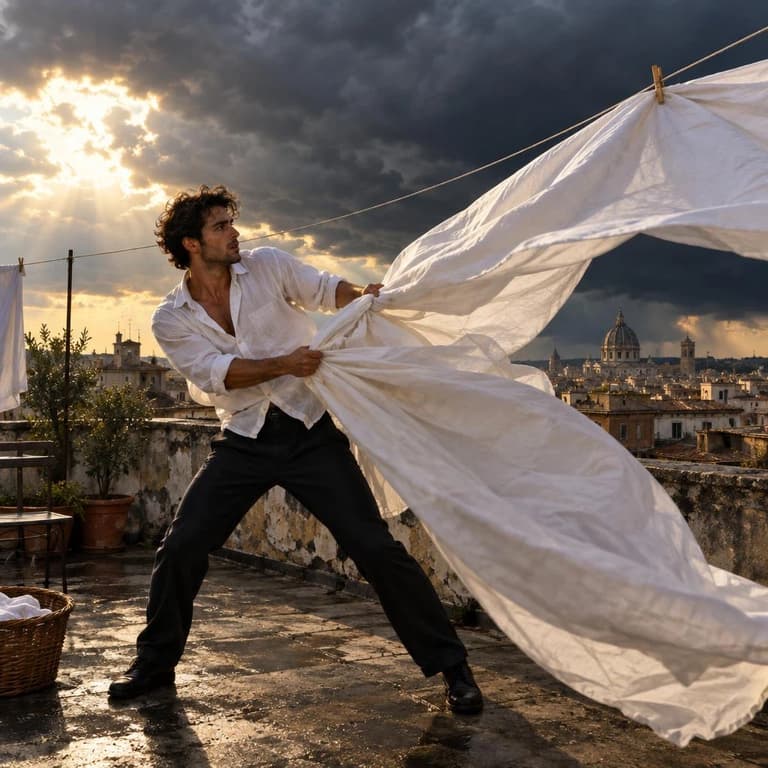
GPT Images 2.5 on this page is a prompt-or-photo generator with three models: GPT Images 2.5 Flare (the default), GPT Images 2.5 Sunburst when you will edit the same subject more than once, and GPT Images 2.
Spell the headline, the price on the tag, the label. Try the wording at 1K; when the line reads the way you want, generate that same still at 2K or 4K for the listing or the print file.
A poster grid, an invitation, a slide, a locked style. Spell the brief and generate the still.
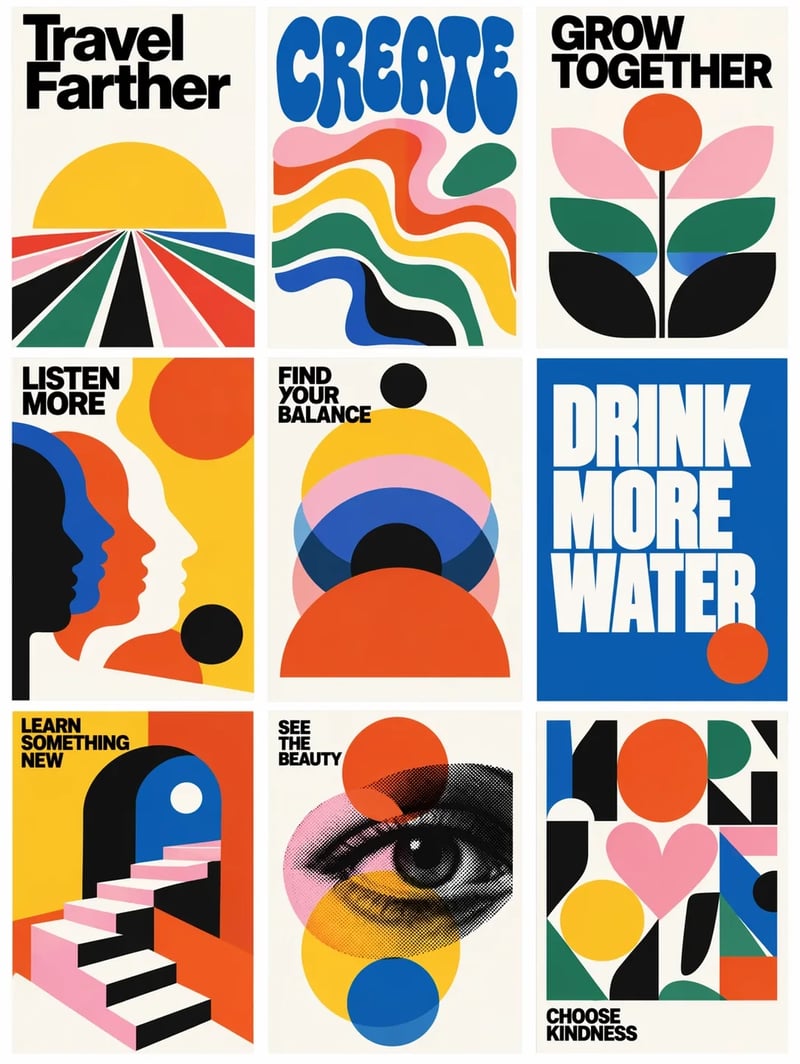
Nine mid-century boards in one still, short lines like Create and Choose kindness. Put the slogans in the prompt, generate the grid, and download the file.
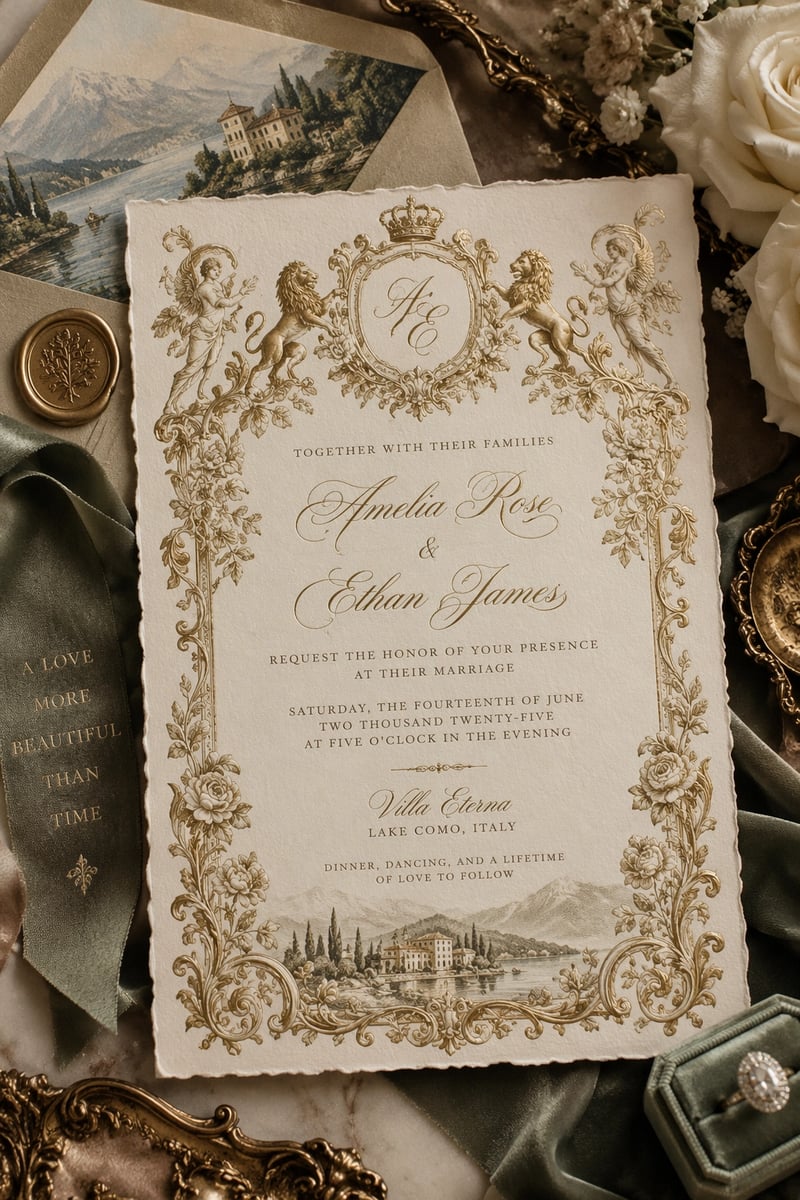
A cream-and-gold wedding card, monogram, and a place line. Spell the names in the prompt so GPT Images 2.5 can set them on the still.
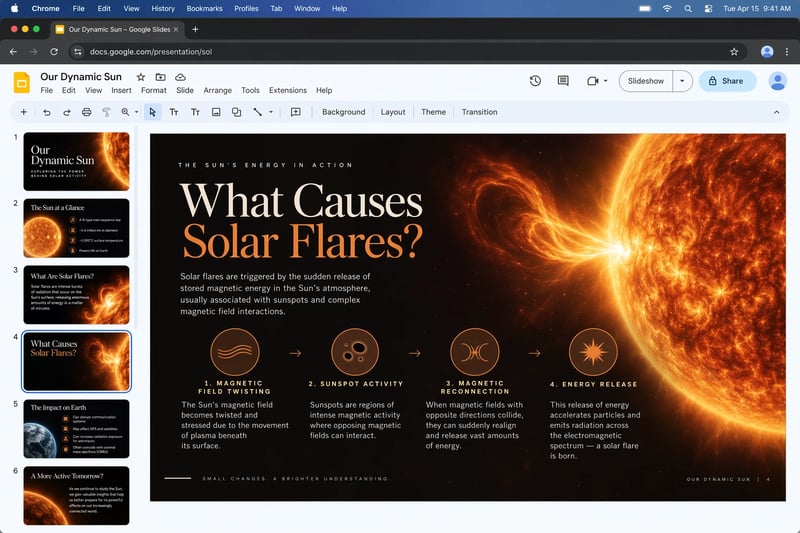
A solar-flare diagram with four labeled steps. Ask for the headings you need, then keep the 2K or 4K file for the deck.
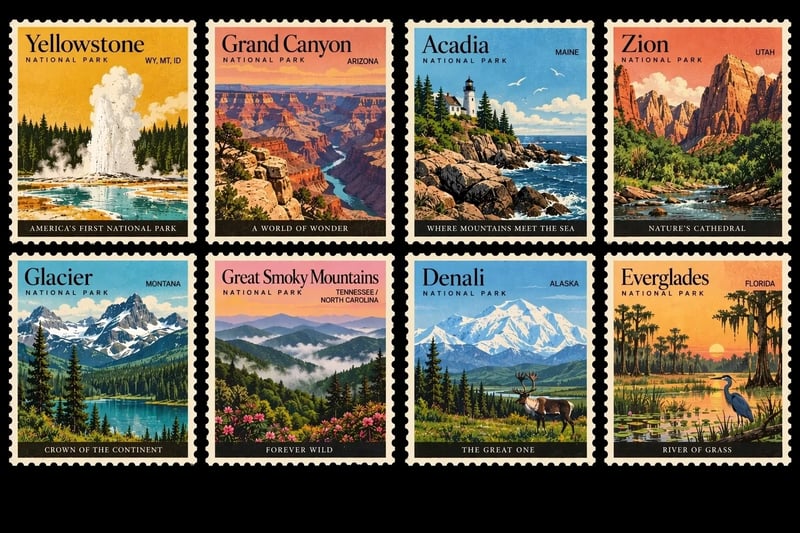
Eight vintage park stamps, one look across the sheet. Describe the set once, generate, and download the still.
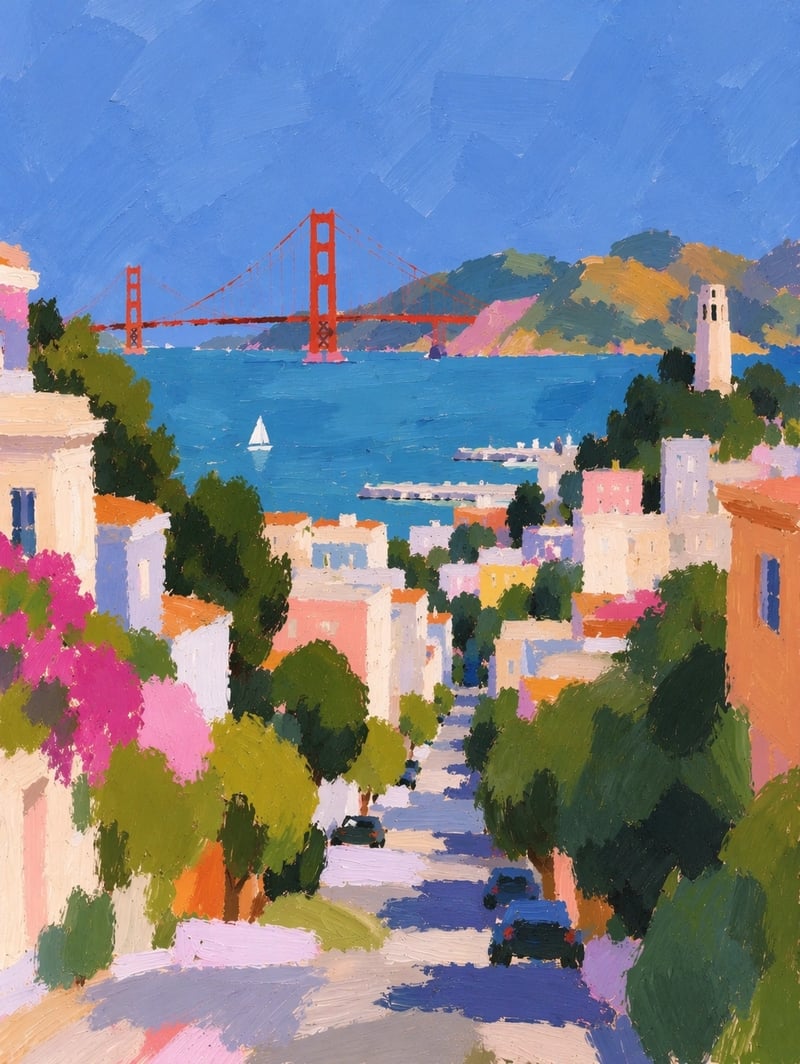
San Francisco in impressionist paint, houses down to the bay. Name the style in the prompt and generate the still.
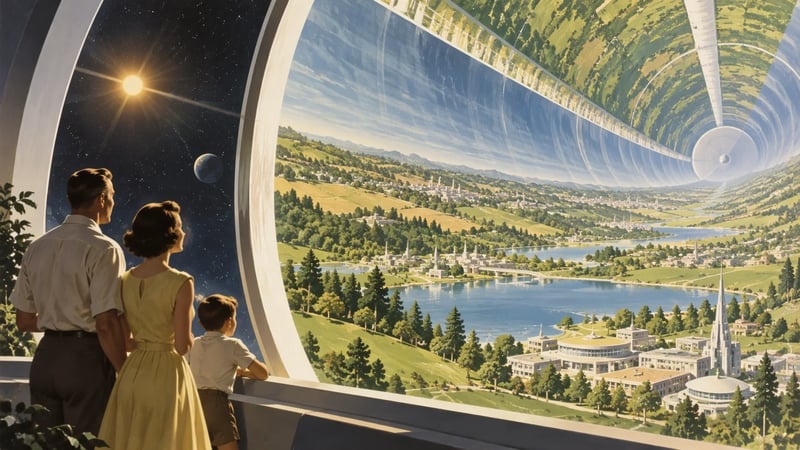
A 1950s family looking into a cylindrical habitat of lakes and towers. Spell the era and the setting, then generate.
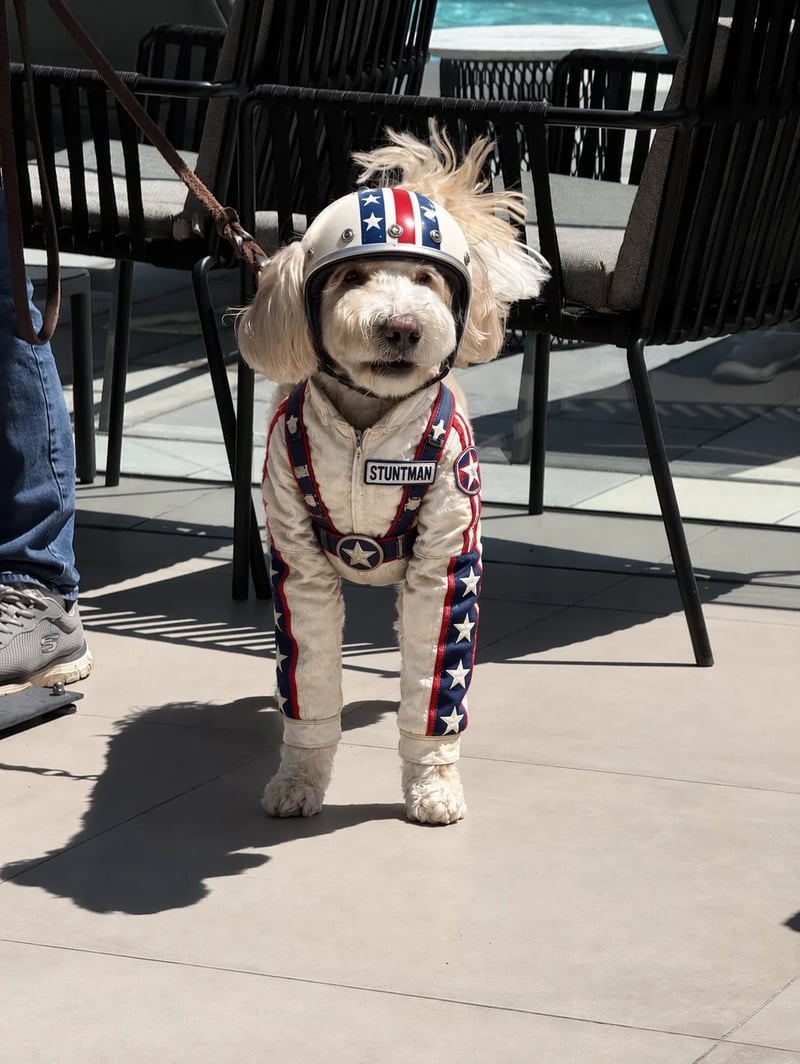
The input next to the GPT Images 2.5 still.
A themed generator for a specific look, built on the same GPT Images 2.5 engine.
Copy a prompt someone already ran, swap the subject, and generate.
OpenAI’s September 2026 Images 2.5 notes: Flare is the everyday model, Sunburst is the precision model, GPT Images 2 is the previous generation. Sizes and the default pick are this generator.
| DefaultGPT Images 2.5 FlareEveryday 2.5 stillsGenerate on Flare | GPT Images 2.5 SunburstMost capable 2.5 modelSwitch to Sunburst | GPT Images 2Previous generationUse GPT Images 2 | |
|---|---|---|---|
| When to use it | Most stills — posters, pack shots, labels | Campaign stills and more than one pass on the same subject | You want the previous generation |
| What OpenAI built it for | Everyday generation: social, product shots, trying a brief | Tighter control across edits: campaign and polished product stills | The prior model in the same image family |
| Released | September 2026 | September 2026 | April 2026 |
| Generation | Listed as the faster everyday 2.5 model | Listed as slower, for extra precision | Previous generation |
| Keep the subject from a photo | 2.5 is meant to keep the person or product recognizable | Same 2.5 claim, plus tighter control on later passes | Previous generation — upload and describe the edit |
| Change one thing, leave the rest | 2.5 is meant to edit one element and leave the rest | The 2.5 pick when that next pass has to stay tight | Previous generation |
| More than one edit | Same 2.5 family — later passes are meant to keep earlier work | Built for more than one pass on the same subject | Previous generation |
| Complex briefs and spelled type | 2.5 is meant to hold denser layouts and the words you spell | Same 2.5 claim, for the still you will keep | Previous generation — still takes the words in the prompt |
| Prompt to a still | Yes | Yes | Yes |
| Upload a photo and edit | Yes | Yes | Yes |
| Sizes on this site | 1K, 2K, or 4K | 1K, 2K, or 4K | 1K, 2K, or 4K |
Write, pick a model and a size, generate, download.
Type the headline you need, or upload a picture and describe the edit. GPT Images 2.5 takes either path.
GPT Images 2.5 Flare is the default. Switch to GPT Images 2.5 Sunburst when you will edit the same subject more than once, or to GPT Images 2 for the previous generation. Start at 1K while you try the wording; switch to 2K or 4K for the file you keep.
Hit generate and wait for the picture. If the type is off, change one word and run it again.
Save the still and drop it on the listing, the print file, or the mock.
Write the line, drop a photo if you have one, pick the size for the file you keep.
Headlines, prices, labels, UI copy. Put them in the prompt so GPT Images 2.5 can set them on the still.
One sentence is enough to start. Text to image is the default path when you do not have a photo yet.
Drop the product photo and say the change — new label, new price, cleaner background — then download the new still.
Try the wording at 1K. Re-run the same GPT Images 2.5 prompt at 2K or 4K for the listing or the print file.
When the still looks right, download it and drop it on the listing, the print file, or the mock.
Flare is the default for most stills. Switch to GPT Images 2.5 Sunburst when you will edit the same subject more than once. GPT Images 2 is the previous generation in the same box.
A price on a tag, a headline on a poster, a label on a pack, a line of copy on a screen.
Write the number you will actually charge. GPT Images 2.5 puts it on the product still so the listing matches the shelf.
Lock the line in the prompt, generate at 2K, and drop the still into the print layout without redrawing the type.
Upload the bottle or the box, ask for a cleaner label, and keep the 4K file for the catalog.
Spell the button labels and the empty-state line. Paste the screen still into a deck.
Square or vertical, words on the picture, one download. Ready for the post without a second typesetting pass.
Set the offer line in the prompt, run GPT Images 2.5 at 2K or 4K, and send the still to print.
Generate a still first. Pick a plan when you want more takes.
Enjoy Limited-Time 30% OFF!
A still from a sentence, or an edit of a photo you upload — posters, product shots, labels, UI copy — then download the file.
Spell the exact words in the prompt: the headline, the price, the button label. Then check the 2K or 4K take before you keep it.
Yes. Upload the picture, describe the change, and generate. The result is generated from your photo rather than from scratch, so it usually reads as the same subject with new type.
1K is the default while you try wording. Re-run the same prompt at 2K or 4K for the listing or the print file.
Yes. Text to image is the starting path. Add a photo only when you want to edit something you already shot.
Sign up and you can generate a default 1K still. Open the pricing table when you want more takes.
GPT Images 2.5 on this page is a browser generator for stills. GPT Images 2.5 Flare is the default: write a prompt or upload a photo, pick 1K, 2K, or 4K, and download the picture. GPT Images 2.5 Sunburst and GPT Images 2 sit in the same box.
Start on GPT Images 2.5 Flare. Switch to GPT Images 2.5 Sunburst when you will edit the same subject more than once. Use GPT Images 2 when you want the previous generation.
Yes, on a paid plan: download the still and put it in a listing or a print file. Clear trademarks and other people's likenesses on your side.
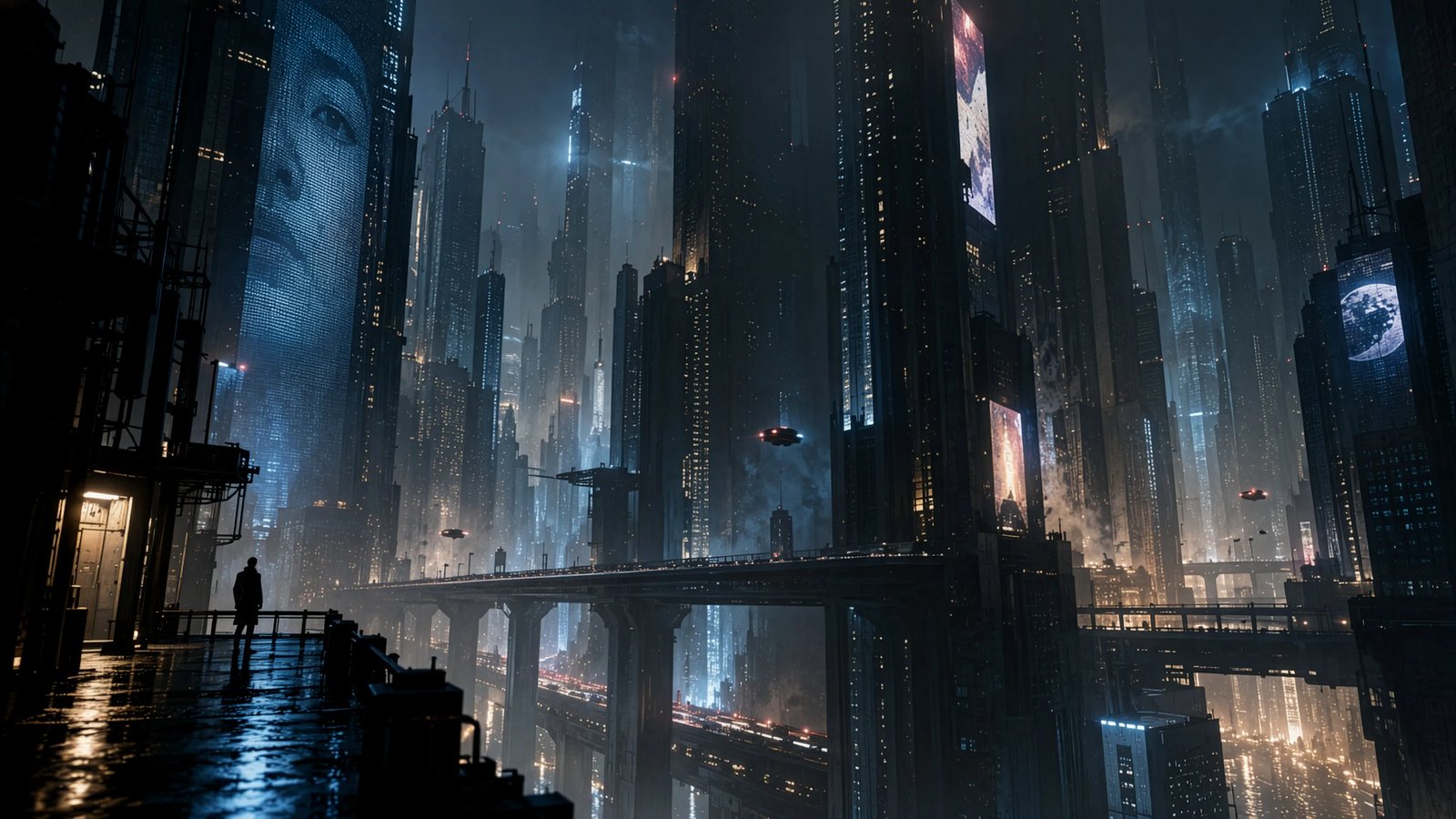
Sunburst and GPT Images 2 are one switch away. 1K to try the wording. 2K or 4K to keep.